
One platform.
Unlimited possibilities.
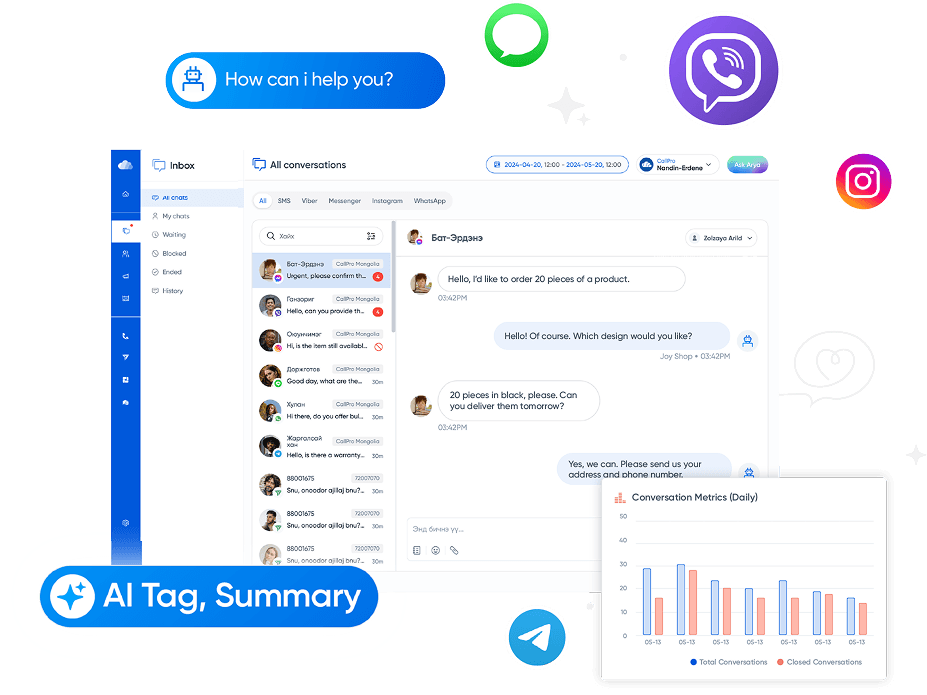
- All channels on one screen: Manage Facebook, Instagram, WhatsApp, Viber, Telegram, LINE, and SMS in one place.
- Customer history: Recognize regular and VIP customers and build a database of each customer's past history and interactions.
- 24/7 service: Rules-based automation and the AI Chatbot respond to chats and messages across all social channels 24/7.

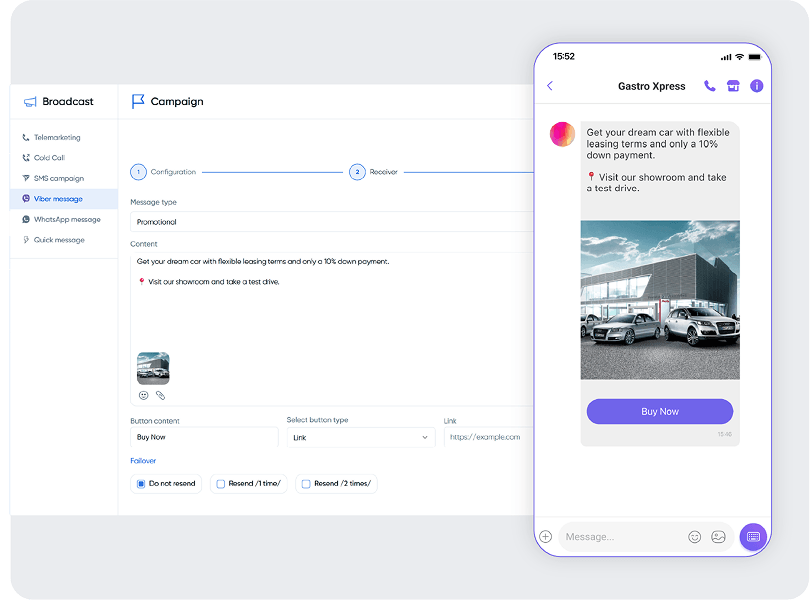
- Multichannel campaigns: Deliver marketing messages across multiple channels and increase customer engagement by up to 50–70%.
- Automated reminders: Automatically remind customers of their booked appointments.
- Appointment booking: Customers can book appointments directly by sending a chat or message.
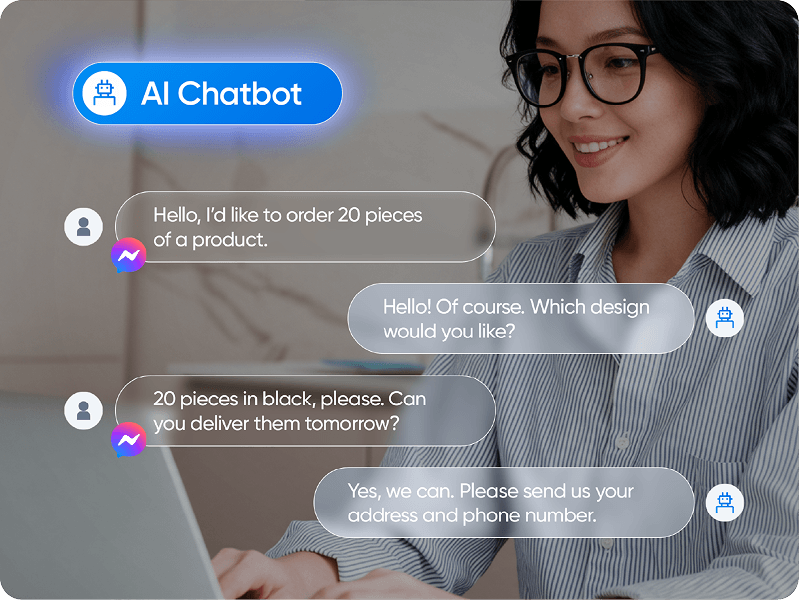
- AI auto-replies: Recognize common questions using your knowledge base and reply to customers instantly.
- Automated routing: Automatically assign incoming messages to the right agent based on their content and request.
- Transfer to agent: Transfer complex issues directly to a human agent.
- Assignment and tagging: Assign conversations to the right agent and organize them by content and topic.
- Reply templates: Answer common questions quickly and consistently with ready-made templates.
- Ratings: Customers rate your service so you can measure your own and your team's performance.
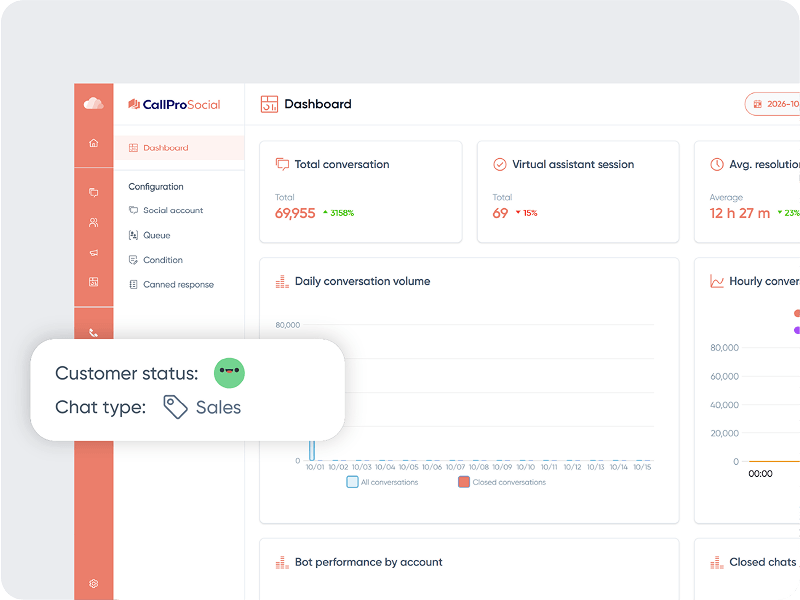
- Reports: Monitor channel and agent performance with detailed reports
- Messaging platforms: Connect with WhatsApp, Messenger, Instagram, Viber, LINE, Telegram, and SMS.
- Sales system integration: Works seamlessly with booking and other sales systems.
.webp)
Smart solutions for your business
Unified management
Manage every channel, including Messenger, WhatsApp, Viber, Telegram and SMS, from a single dashboard without switching platforms, so you can monitor all conversations quickly and easily.
Marketing engagement
Send engagement messages, promotions and notifications across multiple channels at once to reach your customers more widely and effectively.
Automation & AI
AI answers customer questions from your business knowledge base without agent involvement.
Smart teamwork
Tools for assigning and tagging conversations, customer ratings, canned replies and reporting take the load off repetitive daily tasks.

AI Chatbot

Log customer questions and requests coming through your business social pages, and deliver product and service information quickly and accurately with an AI Chatbot.
Benefits for your business
It helps you deliver closer, faster service to your customers, your business's greatest asset.
+89%
Loyal customers
+67%
Customer satisfaction
50-70%
Marketing campaign engagement
-7.5%
Cost per interaction
Frequently asked questions
What is CallPro Social?
A service that brings all your business social channel chats into one window to receive, reply to and assign them to agents. You can connect Facebook Messenger, Instagram, WhatsApp Business, Viber, Telegram, LINE and Lime.
How do I connect my social accounts?
Click the “Contact an expert” button to get in touch. A sales advisor will recommend the right solution and help you connect your social accounts and get started.
Can chats be answered automatically?
Yes. By adding the CallPro AI Chatbot service, the AI assistant answers customers automatically 24/7 using your knowledge base. Chats the AI assistant can't answer are handed off to an agent: they go to the “Pending” section of the Inbox, where an agent can assign them to themselves and reply.
Can I assign chats to agents and set reply hours?
Yes. Once the service is set up, log in to console.callpro.mn with admin rights to configure chat assignment and reply-hour rules.
Can I save frequently sent replies as templates?
Once the service is set up, you can configure saved templates at console.callpro.mn with your admin rights. Agents can then pick from saved templates when replying to chats.
Do you provide agent and channel performance reports?
Yes. You get 5 types of detailed reports: conversations, AI assistant, agent performance, satisfaction and tagging, and workload.
Can I register customers who chat with us?
From the chat management panel, you can register new customers, or, if a customer is already registered, link them to their existing record with “Link customer”. You can block unwanted users, and blocked chats will not reopen.
Can it connect to our internal systems?
Yes. Integration with internal systems is available and is configured during the first week of onboarding. Once integrated, the AI assistant can connect to your internal system to take orders. You can also register customers who chat with you in your customer database and keep their full interaction history in one place.

Ready to bring Social to your business?
We’ll recommend the right solutions for your business needs.
